Transcriber turns every conversation into large, easy-to-read text in real time. Built as a hearing aid companion for deaf and hard-of-hearing people — and loved by professionals, students, and travelers.
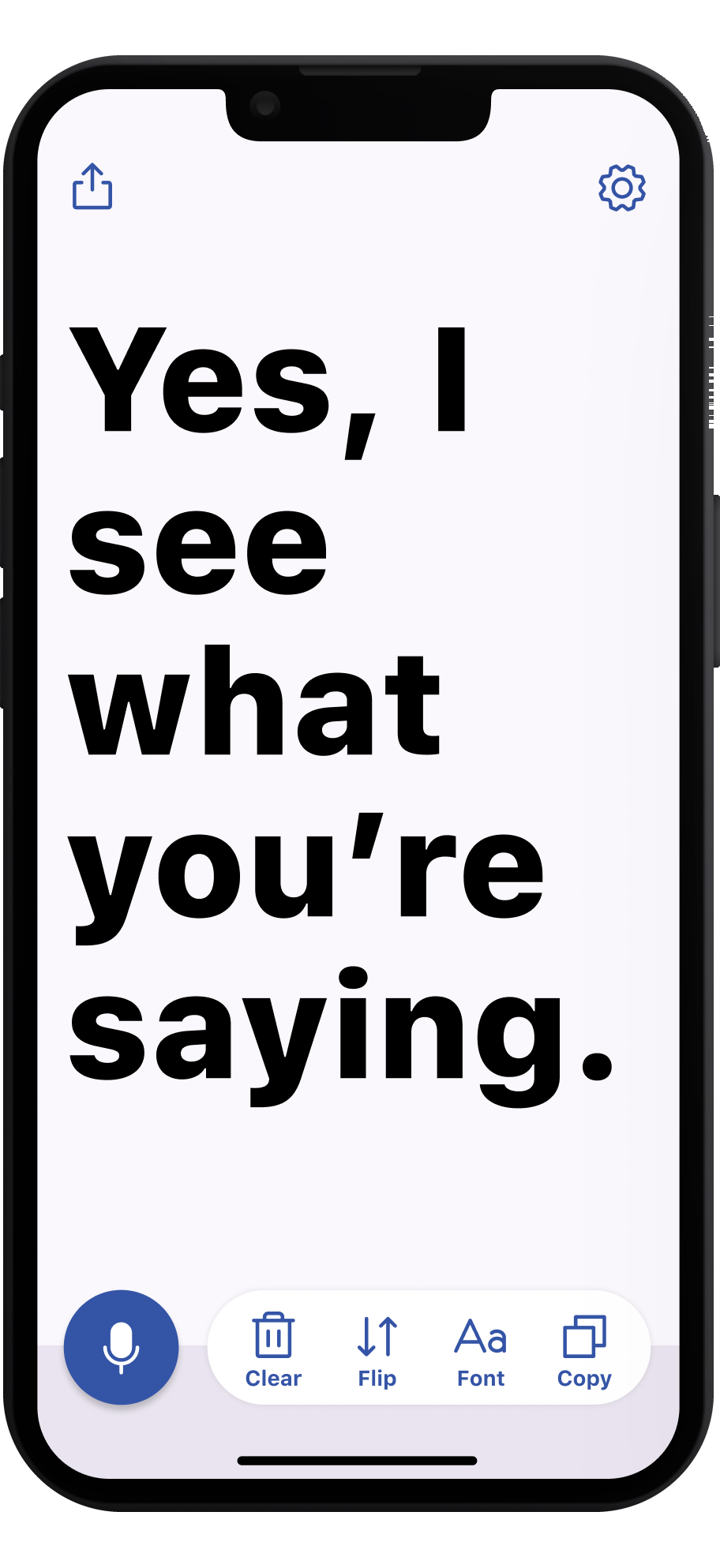
Big, bold, readable text — designed to be glanced at across a table or held up mid-conversation.
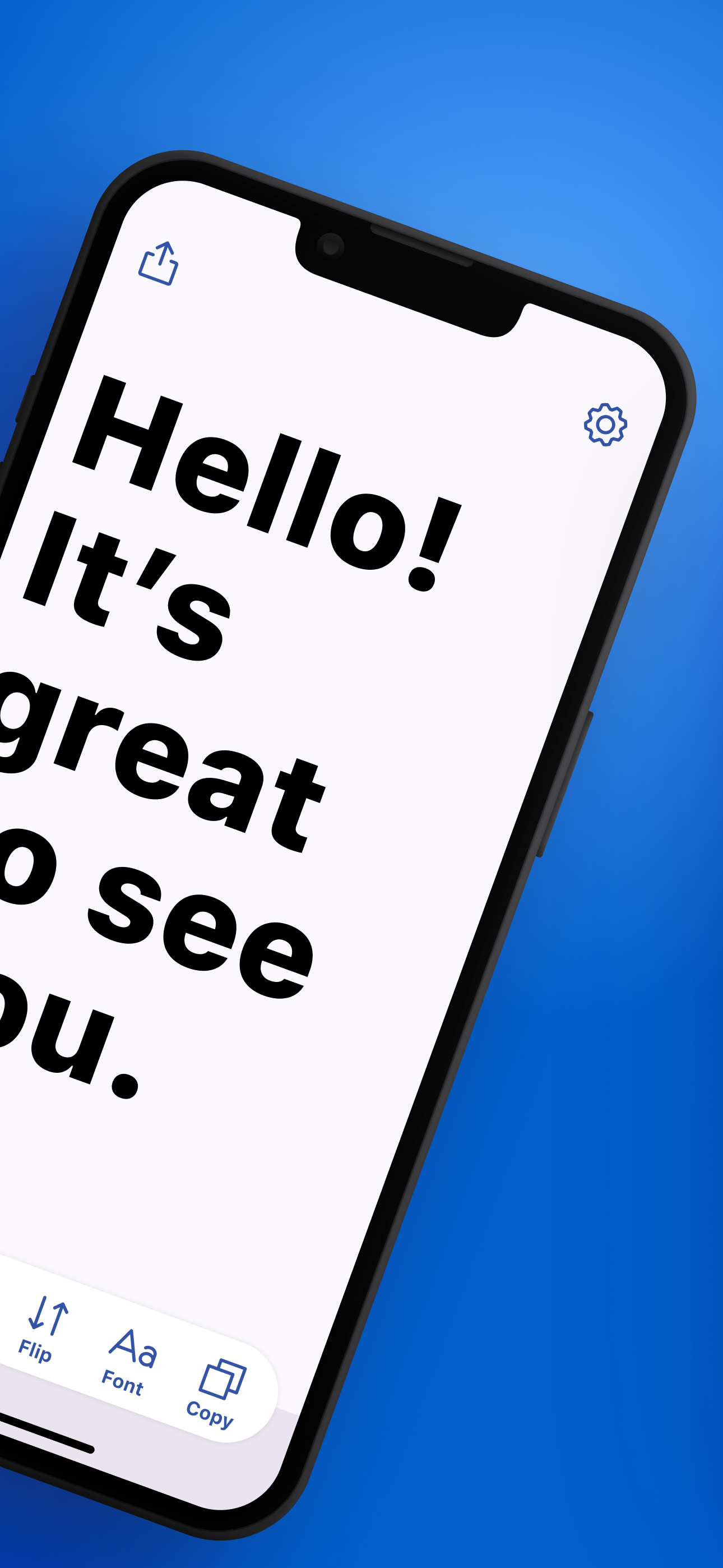
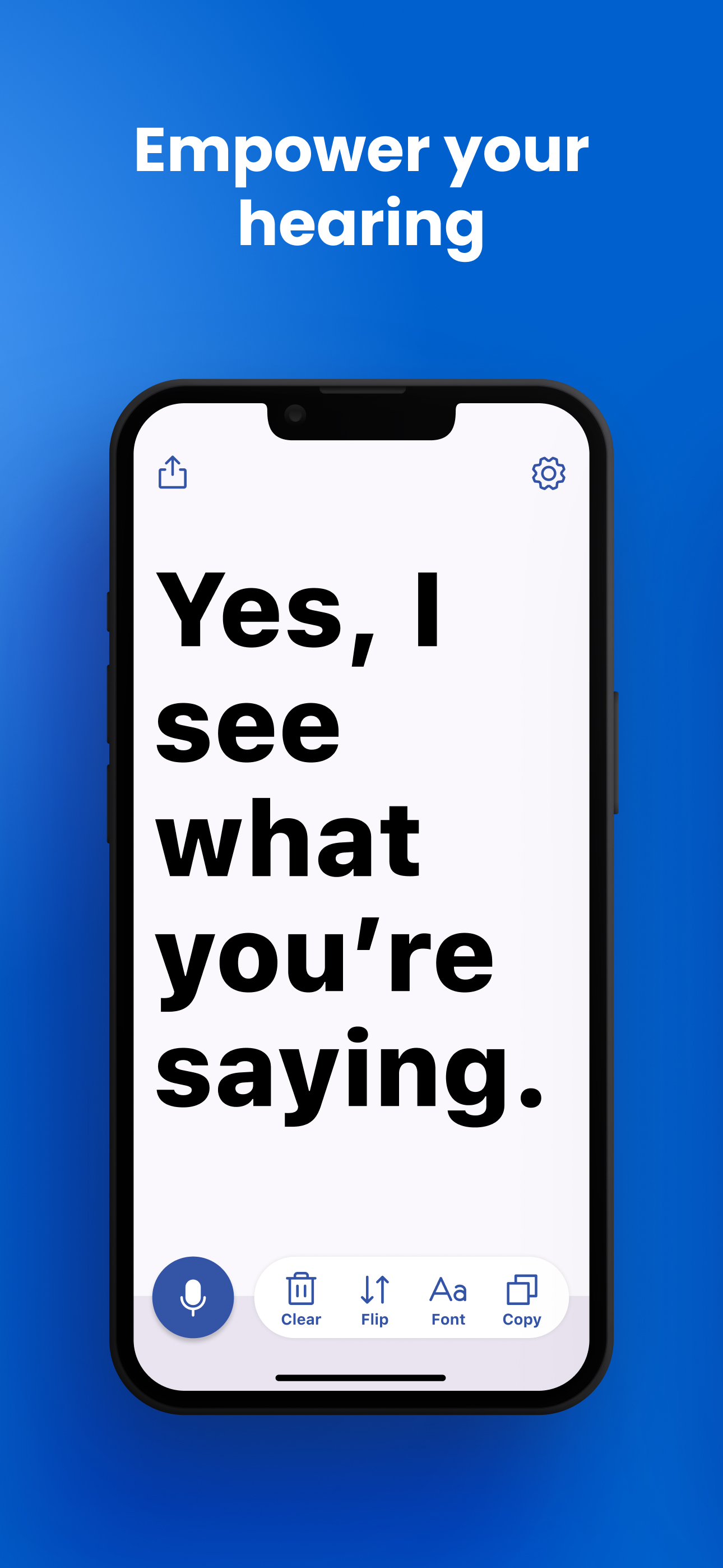
No setup, no pairing, no training. Transcriber works from the second you open it.
Launch the app and tap once. That's the entire setup. Transcription starts immediately, right on your device — no account and no internet connection needed.
Words appear instantly in large, high-contrast letters as they're spoken. Adjust the font size until it's comfortable — across the table or across the room.
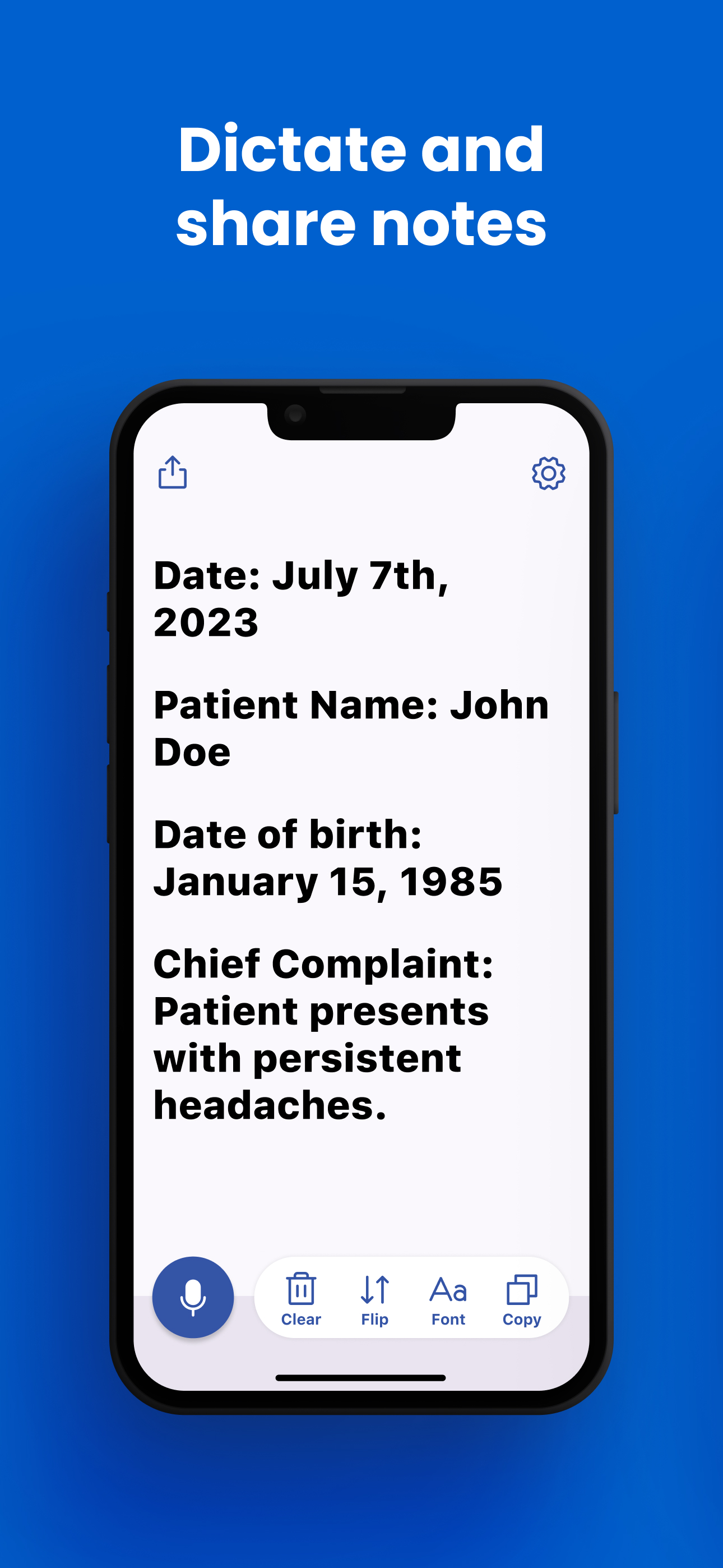
Flip mode rotates the text 180° so the person facing you can read it too. Copy the transcript or share it anywhere — your conversation, your way.
One app, three superpowers — hearing assistance, hands-free dictation, and multilingual transcription.
Follow conversations, appointments, and family dinners without asking anyone to repeat themselves. Large, high-visibility text makes every word readable at a glance. Flip mode turns your iPhone into a two-way conversation screen for face-to-face communication.
Dictate patient notes, reports, and memos completely hands-free with Notes mode. Everything is processed on-device, so sensitive information never leaves your phone. Copy the finished text straight into your records system in one tap.
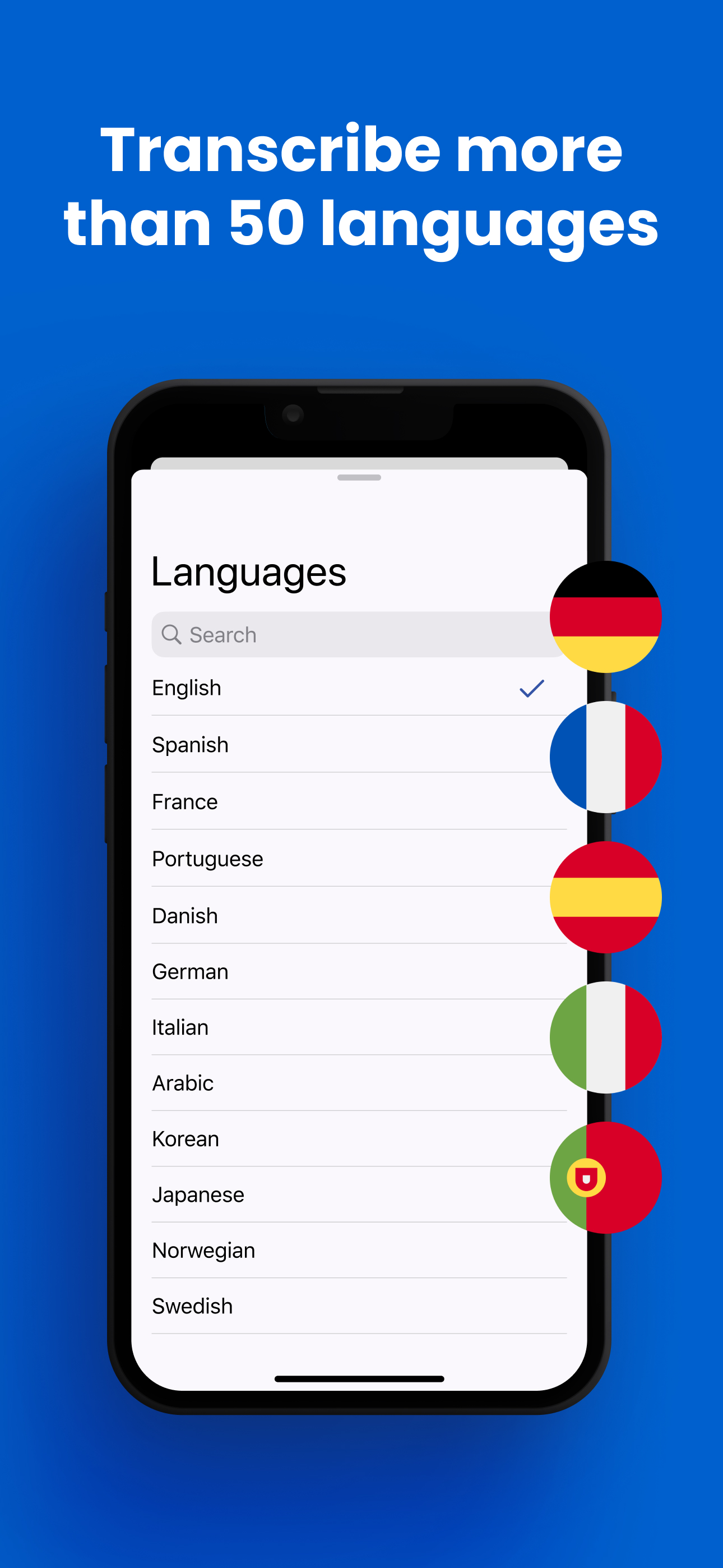
Transcribe speech in more than 50 languages, from Spanish and Japanese to Arabic and Ukrainian. See exactly what's being said around you, word by word. It's the fastest way to follow fast native speakers or check your own pronunciation.
Practical, step-by-step guides for getting the most out of Transcriber.
Why a speech-to-text app can be the most practical hearing assistant you own.
Read Guide →How to get instant, live transcription on your iPhone — even offline.
Read Guide →How deaf and hard-of-hearing users hold face-to-face conversations with Transcriber.
Read Guide →Hands-free voice note dictation with on-device privacy.
Read Guide →Get real-time captions for meetings, lectures, and events.
Read Guide →Transcribe conversations in over 50 languages, anywhere in the world.
Read Guide →Capture ideas, lectures, and to-dos by voice — no typing required.
Read Guide →Transcriber takes a different approach from apps that amplify sound: instead of making audio louder, it makes speech visible. Real-time transcription in large, readable text works even for profound hearing loss, where amplification can't help. Learn More →
Yes. Transcriber uses on-device speech recognition, so words appear on screen the instant they're spoken — with no network delay and no audio ever leaving your phone. It keeps working on planes, in basements, and abroad without roaming. Learn More →
Absolutely — that's what Transcriber was built for. Place the phone between you and the speaker, and their words appear in large text as they talk. Flip mode rotates the display 180° so both people can use one phone face-to-face. Learn More →
Yes. Notes mode lets any professional dictate and capture spoken content hands-free — during meetings, on a job site, or in the field. Because speech is processed entirely on-device, no audio or text is sent to any server. Learn More →
Open the app, tap the microphone, and Transcriber captions everything your iPhone hears — meetings, lectures, presentations, or the TV. Text streams in live and you can enlarge the font until it's readable from wherever you're sitting. Learn More →
Transcriber supports more than 50 languages and dialects, including English, French, German, Spanish, Chinese, Japanese, and Arabic. Switch languages in two taps — perfect for travel, multilingual families, and language learning. Learn More →
Yes — Transcriber is free to download and free to start using. Core live transcription is included at no cost. Transcriber Pro unlocks unlimited use and every feature for $9.99/month or $49.99/year (about 58% cheaper than paying monthly).
Yes. One download works across iPhone and iPad (iOS 15 or later), Mac (macOS 12+ with Apple Silicon), and Apple Vision Pro. Your subscription covers all your devices under the same Apple ID.
 Transcriber